Software Architecture
Vector Pathway Logic in Studio Software
Mastering precise line interpretation, offset contours, compound paths, and native send-panel instructions for flawless mechanical cutting.
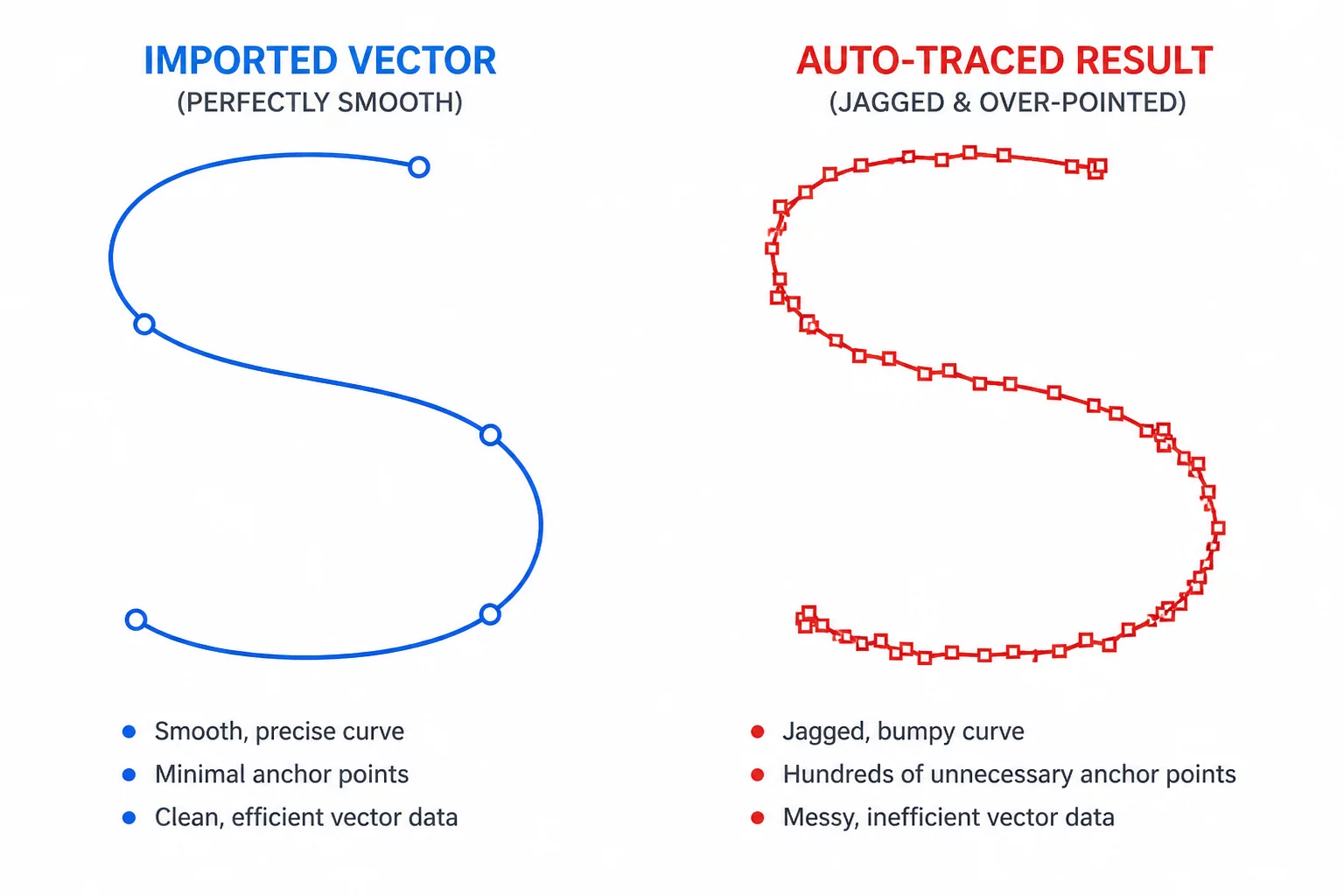
Working with cutter software requires understanding how digital curves translate into blade trajectories. While raster images require tracing engines to guess boundaries, true vector artwork provides exact coordinate nodes. Silhouette America specifies native SVG file import capabilities starting from Designer Edition and above, making path cleanliness and layer structure essential knowledge for every designer.
Edition Capability Note
Basic Edition handles native studio files and autotraced bitmaps. SVG opening/import depends on edition: Silhouette America lists Designer Edition and above. Official edition information.
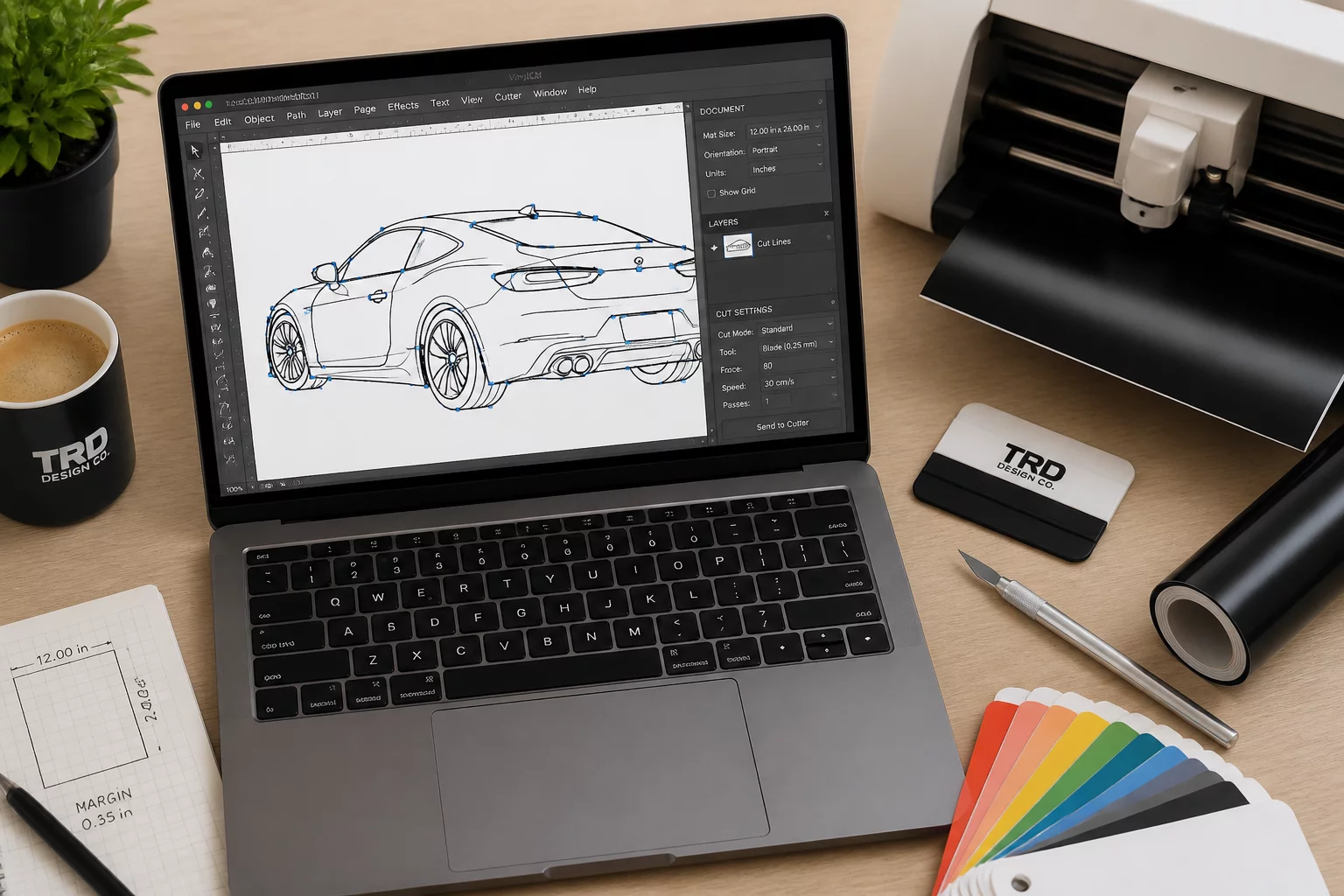
Node Precision Rules
Zero overlap • Closed loops