01Letter Anatomy: Outer Hull vs Counter
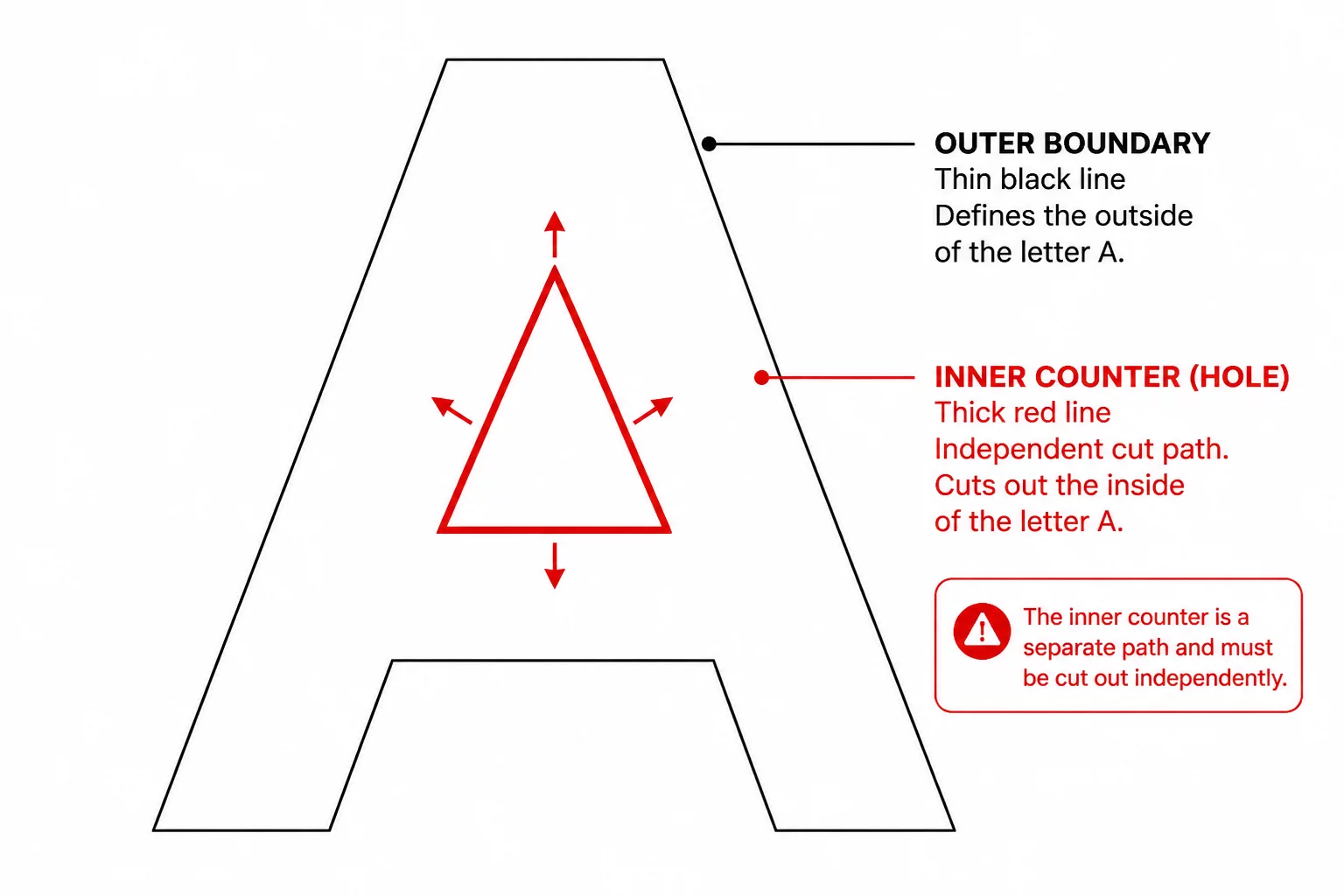
In vector typography and craft plotting, characters such as A, B, D, O, P, Q, and R consist of more than a simple continuous perimeter. Each glyph features an external boundary alongside one or multiple enclosed interior spaces known as counters. On screen, these inner openings look like plain transparent cutouts. However, cutting software translates vector shapes strictly into mechanical blade trajectories, meaning every internal hole requires explicit cut path instructions.
Failing to properly configure internal openings produces solid silhouette blocks instead of readable typography. When a plotter cuts the exterior contour without cutting the interior counter, the center remains fused to the letterform, ruining the design. Mastering how internal shapes interact with enclosing boundaries ensures crisp, readable vector output on paper, heat transfer vinyl, and signage materials.
Key Takeaways
- Internal counters must be bound to outer contours as compound paths for plotters to recognize subtractive holes.
- Winding rules like Even-Odd dictate whether nested closed loops form transparent cutouts or overlapping solids.
- Optimized node distribution on inner loops prevents blade dragging, vinyl lift-off, and torn corners during weeding.
02Compound Path Mathematics & Winding Rules
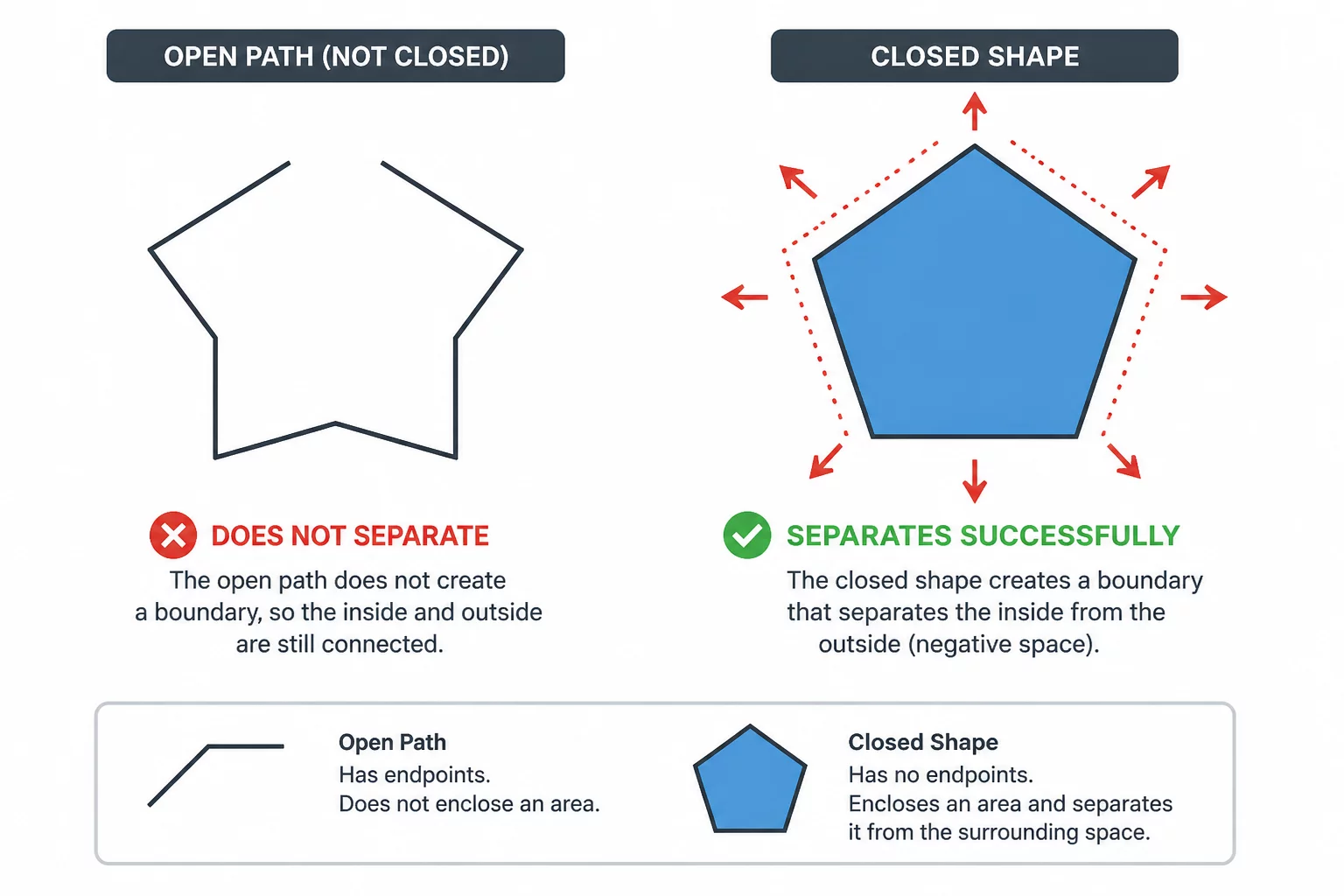
Vector editing suites define holes within letterforms through compound path math. The internal loop acts as a negative geometric coordinate set relative to the surrounding shape. When path directions or fill configurations clash during SVG or DXF export, the cutting program may treat the internal loop as an independent overlapping shape rather than an empty hole.
An interior path without valid compound relationships is merely an overlapping shape, prompting the cutter to run redundant or misordered passes.
Cut path sequence calculation also depends heavily on clean compound definitions. An unlinked inner island causes the cutting plotter to execute the outer contour first, releasing the paper or vinyl before the interior hole is severed. Cutting internal counters prior to external borders keeps the substrate securely anchored to the carrier mat.
03Physical Separation During Weeding Operations
After cutting is complete, the physical behavior of internal voids dictates the speed and ease of waste removal. Microscopic counters in condensed or script typefaces generate tiny waste bits that easily snag on weeding tools or pull adjacent letters out of alignment. Preparing letter holes properly prevents multiple physical production defects:
- Island Lift-Off: Uncut starting nodes on small loops drag delicate vinyl centers across the carrier sheet.
- Narrow Stem Collapse: Internal holes placed too close to outer edges cause structural tearing in soft materials.
- Double-Path Shredding: Unintended duplicate outlines generate micro-slivers that wrap around the knife blade.
Ensuring sufficient spacing between inner counters and outer walls stabilizes the physical cut. Assess counter clearance at the intended size using a material test; a universal minimum does not apply to every material and setup.
04Software Preparation & Node Diagnostics
Inspecting vector letterforms in outline wireframe mode quickly uncovers whether inner loops are genuine subtractive paths or dummy white shapes layered on top. In vector editors such as Silhouette Studio, selecting both the outer letter and its inner hole and applying Make Compound Path instantly converts the arrangement into a true cutting boundary.
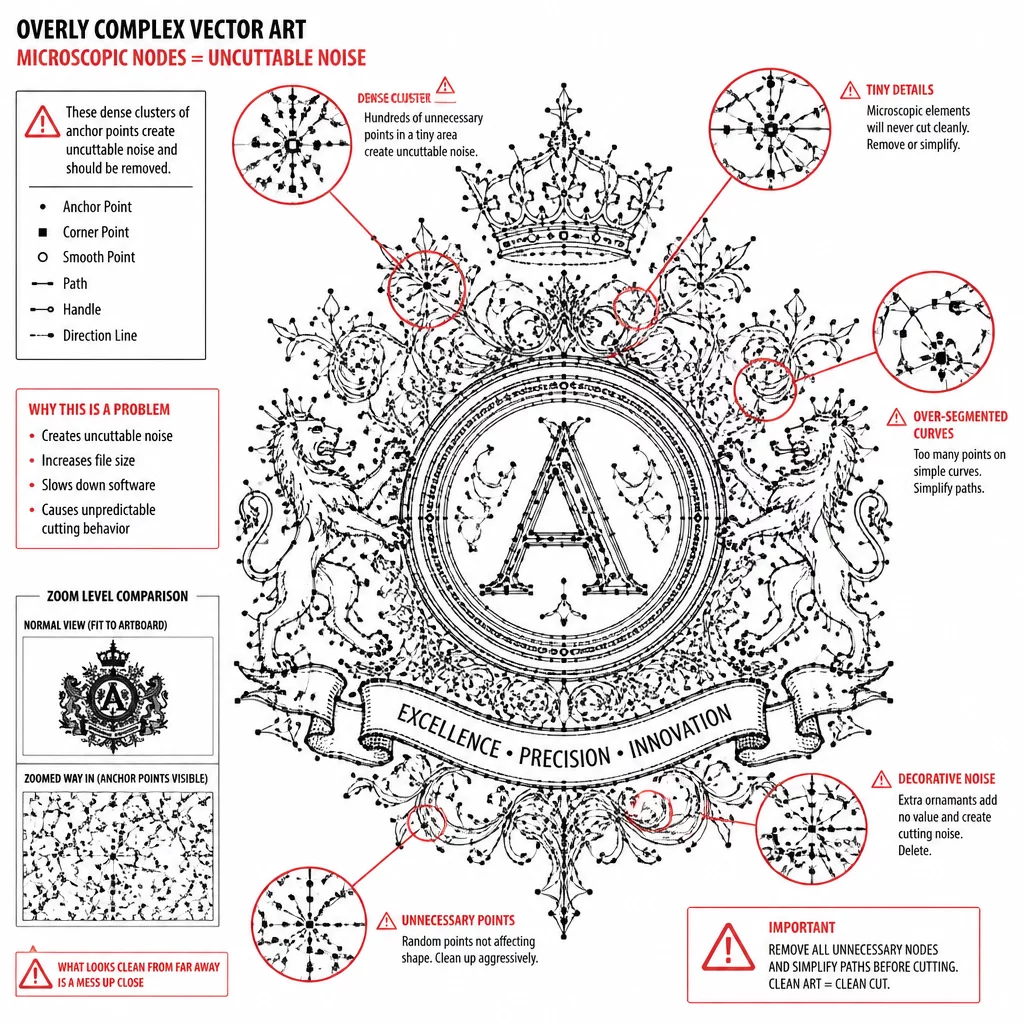
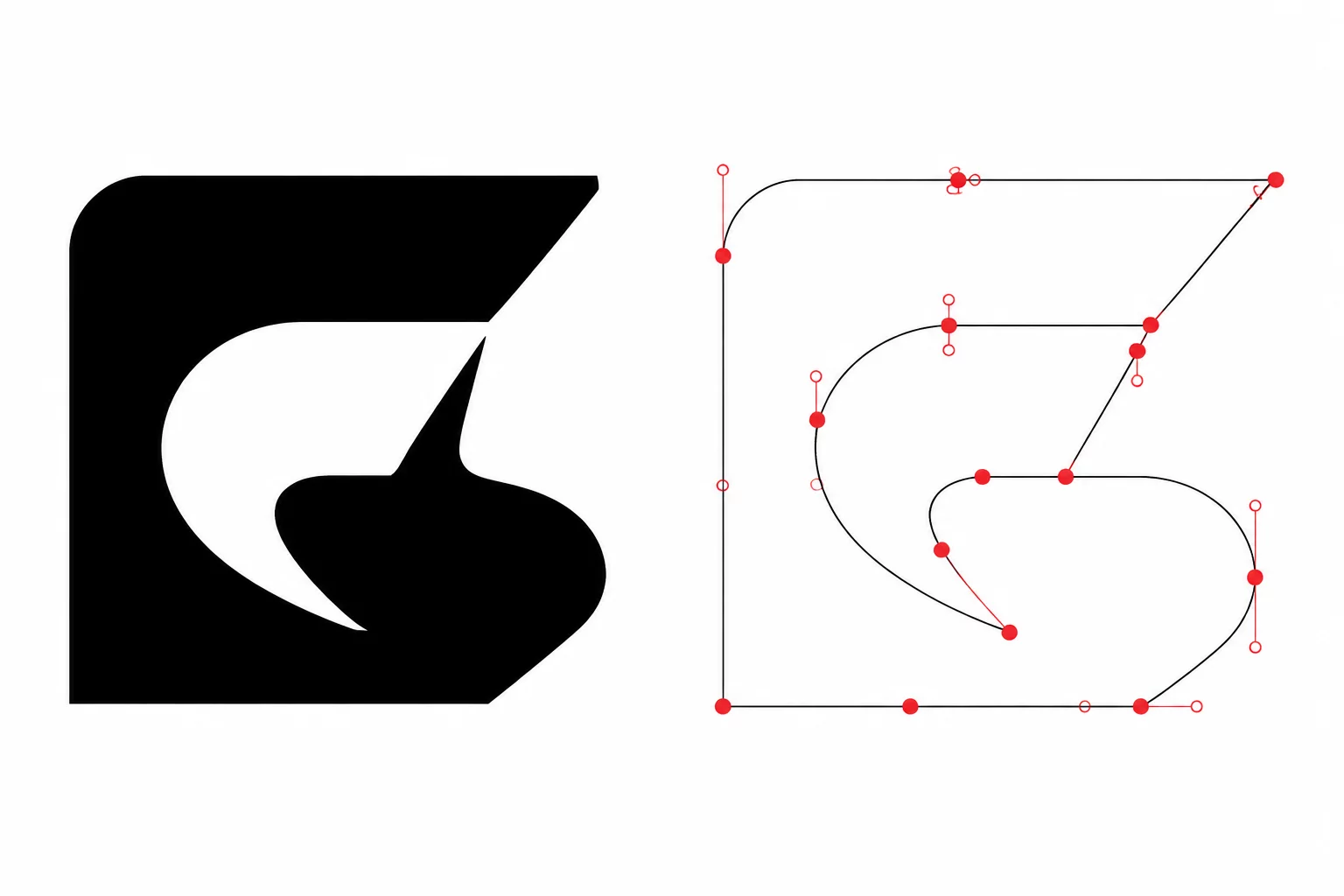
Before launching the cut job, run a node audit on all interior loops. Smoothing unnecessary nodes creates clean arcs, allowing the blade swivel to navigate sharp counter vertices without chewing through adhesive backing or lifting fine letter details.